
Before a phone the options are: no device at all, a brick phone, an old smartphone with parental controls, a children’s smartphone, a children’s smartwatch, and a screenless device.
For named products and current prices, see our comparison of GPS trackers for kids.
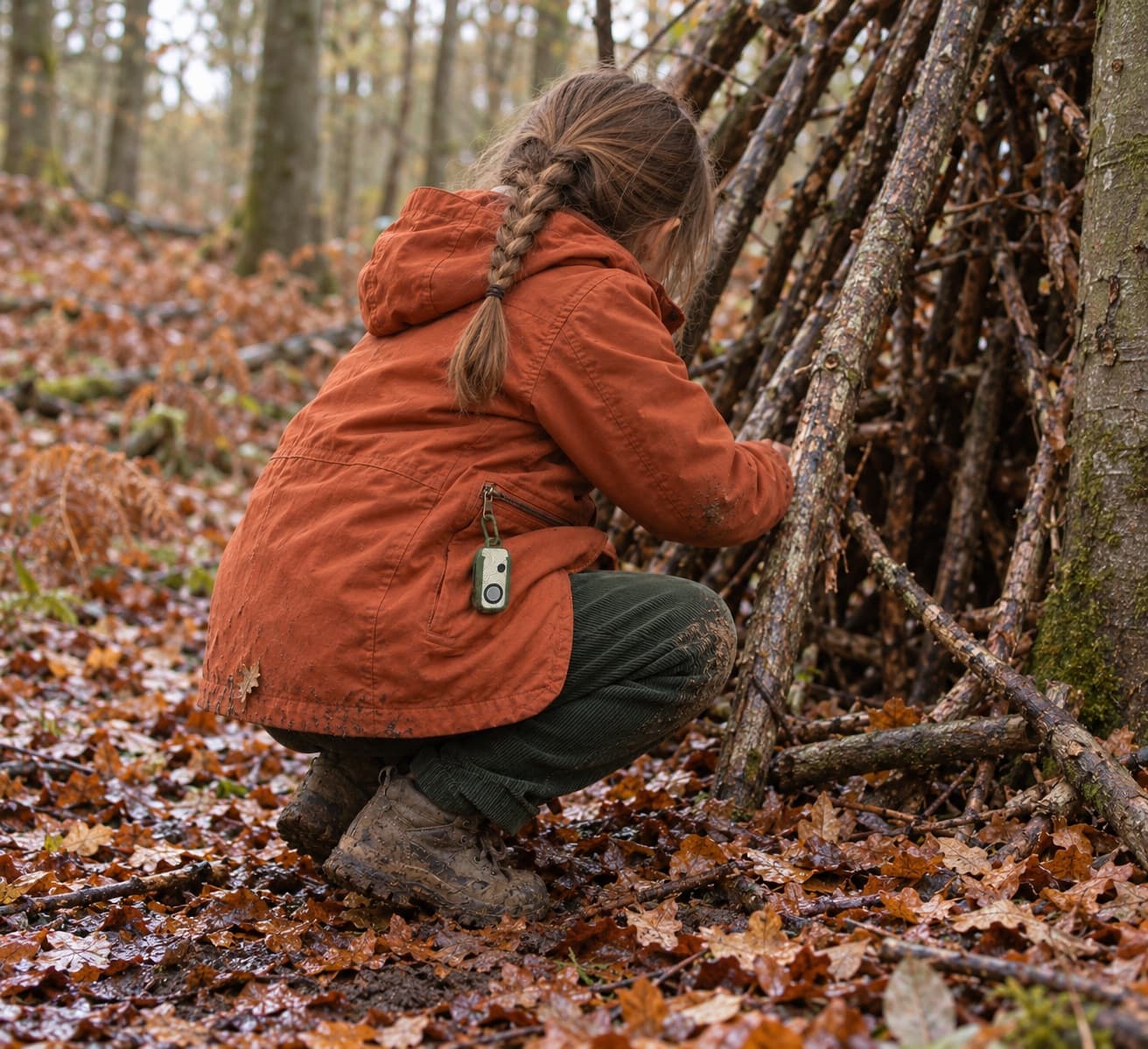
No device
It costs nothing, and it works when the journey is short, the route is familiar and plans don’t change. It can’t cope with a change of plan: any contact has to go through the school office or another adult.
A brick phone
A brick phone, at its simplest, makes calls and sends texts. Also sold as a basic phone or a dumbphone, this kind is cheap to buy, runs on a pay-as-you-go SIM and lasts days between charges. Newer models, often flip phones, cost more and run a chosen set of apps, such as messaging, maps, music and banking, with social media blocked.
The name no longer tells you what a phone can do, so check which apps it runs and who can call or message your child. On some you can limit contacts to numbers you choose, and on many, anyone with the number can get through. Most won’t show you where your child is. Some older and cheaper models only make calls over 2G, which UK networks will switch off between 2029 and 2033, so look for 4G calling, sometimes listed as VoLTE.
It is still a mobile phone, so it falls under the Department for Education’s guidance on mobile phones in schools. Some schools treat a phone with no internet differently, but each school decides.
An old smartphone with parental controls
If you already have one, it costs nothing extra and does everything: calls, messages, maps, and parental controls that are much better than they used to be. It is still a smartphone, though. Your child will test the controls, keeping them working is an ongoing job, and under the new guidelines these devices are either not permitted in schools or have to be handed in and stored as per school policy.
A children’s smartphone
A children’s smartphone, often sold as a kids phone, has the controls already set up by the maker and switched on from the start. You approve contacts and apps from your own phone. Social media is blocked or off, and on many models so is the web browser. Many show you where the phone is, and some block nude images on the device itself.
Most charge a monthly fee for the controls. Controls built into the phone are harder to get round than an app added to an ordinary one, though none is impossible to get round. The apps your child’s friends use may be blocked or wait for your approval, so expect to be asked.
A children’s smartwatch
It stays on your child’s wrist, so it is hard to lose, and it puts calling and location in one device. It also has a screen. Most include a camera and messaging, which usually brings them under a school’s phone policy, and battery life is generally measured in hours.
A screenless device
Your child can call, and be called by, a list of contacts you approve, so they can talk to you where some devices only let them send an alert. You can see where it is when you need to. The SOS rings a chain of trusted contacts until someone answers, and the battery lasts days. On some devices, ours included, calls and alerts switch off inside a set place or between set hours, which makes the conversation with the school simpler.
Your child can’t message friends on it, and they will notice. There is a monthly cost, and a limited life: at some point your child will need a phone, and this stops being the answer.
Where a screenless device is the wrong choice
If a child’s social life is already running through group chats, a device without messaging will not substitute for a phone and is likely to go unused.
Narrowing it down
If you mainly need to reach your child when plans change, the cheapest option may be one you already own. If you want contact without the internet, the simplest brick phones and the screenless device give you that. Only the screenless device also leaves out messaging. If the worry is your child being left out socially, none of these will fix it.
Yado isn't on sale yet.
Spring 2027, and the first batch is small. The waitlist gets it first.
Yado makes a screenless safety device for children, so we have a commercial interest in this subject. About these pages.
- October 2026. Added brick phones and children’s smartphones.
- September 2026. Rewritten for clarity, and a link added to our comparison of named products and prices.
- August 2026. First published.